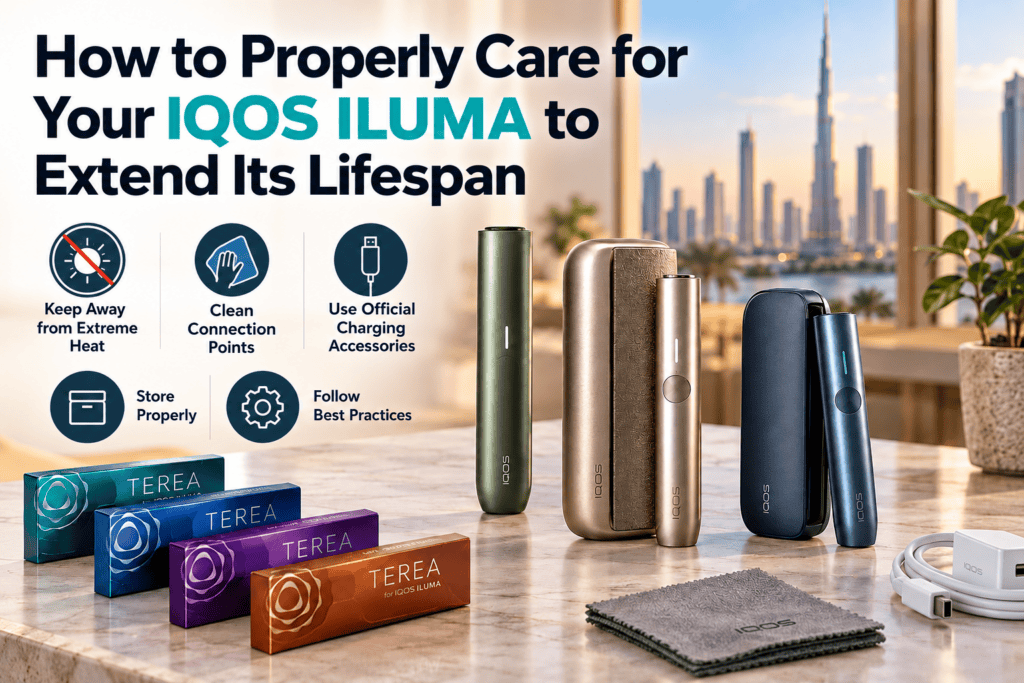
The IQOS ILUMA series has made device maintenance much simpler than it was with earlier IQOS models. Thanks to its SMARTCORE INDUCTION SYSTEM™, the device heats the metal element inside a compatible tobacco stick without relying on the exposed heating blade found in previous generations.
This bladeless design eliminates the need for regular cleaning of burnt tobacco residue. However, that doesn’t mean your device requires no attention at all.
Dust, extreme temperatures, charging problems, and everyday handling can still affect your IQOS ILUMA’s performance over time. This is particularly important in the UAE, where high summer temperatures can put additional stress on electronic devices.
Whether you own an IQOS ILUMA, ILUMA PRIME, or ILUMA ONE, understanding a few basic maintenance practices can help keep your device in good working condition and reduce the risk of avoidable damage.
Why Does Your IQOS ILUMA Still Need Maintenance?
One of the main advantages of the IQOS ILUMA series is its bladeless heating technology.
Unlike older IQOS devices, which required users to remove accumulated tobacco residue from the heating chamber, ILUMA works with specially designed sealed sticks, including TEREA.
Each compatible TEREA stick contains a metal heating element. The device uses induction technology to heat this element, so there is no exposed heating blade inside the holder to clean.
Although this reduces routine maintenance, several factors can still affect how well your device operates.
- Dust and pocket lint: Small particles can collect around the holder opening, charging contacts, or USB-C port.
- High temperatures: Excessive heat can affect battery performance and the lifespan of internal electronic components.
- Charging problems: Damaged cables, dirty charging contacts, or unsuitable charging accessories can interfere with normal charging.
- Improper storage: Moisture, physical impacts, and exposure to direct sunlight may damage the device over time.
Paying attention to these issues can help prevent common problems before they become more serious.
Practical Maintenance Tips for Your IQOS ILUMA
1. Keep Your IQOS ILUMA Away from Extreme Heat
Temperature is one of the most important factors to consider when caring for your IQOS ILUMA, especially if you live in Dubai, Abu Dhabi, Sharjah, or another part of the UAE.
During summer, temperatures inside a parked vehicle can rise significantly above the outdoor temperature. Leaving your IQOS ILUMA on a car dashboard or inside a hot vehicle exposes its battery and electronic components to unnecessary heat.
High temperatures can contribute to battery deterioration and may temporarily prevent the device from operating normally.
To reduce these risks:
- Keep your device away from direct sunlight whenever possible.
- Avoid leaving it inside parked cars or near other heat sources.
- Store it in a cool, dry place when it is not being used.
- If the device becomes unusually hot, allow it to return to room temperature before charging or using it.
These simple precautions are particularly useful during the UAE’s hotter months.
2. Check and Clean the Charging Contacts
Your IQOS ILUMA may not need internal heating-chamber cleaning, but its charging contacts still deserve occasional attention.
On two-piece models such as the IQOS ILUMA and ILUMA PRIME, the holder connects to the pocket charger through metal contacts. Dust, lint, or other debris around these points can interfere with charging.
If your holder is charging slowly or is not charging properly, inspect the contact points for visible dirt.
How to clean the charging contacts safely:
- Disconnect the pocket charger from its power source.
- Remove the holder from the pocket charger.
- Inspect the metal contact areas for dust or debris.
- Gently wipe accessible contacts with a soft, dry, lint-free cloth.
- Ensure everything is clean and dry before placing the holder back into the charger.
Avoid using water, harsh cleaning chemicals, or sharp objects.
You should also check the USB-C charging port for accumulated dust. Never force objects into the port, as this could damage the connection.
3. Use the Recommended Charging Accessories
Charging accessories have an important role in keeping your IQOS ILUMA operating properly.
The manufacturer recommends using the charging cable and power adapter supplied with the device. Using suitable charging equipment helps avoid compatibility problems and unnecessary electrical stress.
A damaged charging cable or poorly made adapter can also create safety concerns.
For better charging care:
- Use the supplied or manufacturer-approved charging accessories.
- Inspect cables regularly for fraying, damaged connectors, or other visible defects.
- Keep the charging port dry and free from debris.
- Avoid charging the device in direct sunlight or excessively hot environments.
If the device does not respond immediately after its battery has been completely depleted, allow it to charge for several minutes before checking it again.
4. Store Your Device Properly
Where and how you store your IQOS ILUMA can also affect its condition.
Keeping it loose in a pocket or bag alongside keys, coins, and other hard objects can result in scratches or damage. Dust and small particles may also accumulate around the holder opening.
When carrying your device, try to keep it in a clean, dry compartment that provides some protection against accidental impacts.
Avoid storing it near liquids or in environments with excessive moisture.
If you will not be using your IQOS ILUMA for an extended period, consult the manufacturer’s storage recommendations for your particular model.
5. Avoid Unnecessary Cleaning Inside the Holder
One common mistake is treating the IQOS ILUMA like an older blade-based IQOS device.
Because the ILUMA uses induction heating and sealed compatible sticks, it does not require the same regular internal cleaning process.
Inserting cleaning brushes, metal objects, or other tools into the heating chamber unnecessarily may cause damage.
Instead, concentrate on keeping the accessible exterior surfaces, charging contacts, and USB port free from dust.
If you notice something unusual inside the holder, consult the official support instructions rather than attempting to dismantle the device.
6. Never Reuse a Spent TEREA Stick
IQOS ILUMA devices are designed to work with compatible tobacco sticks intended for a single session.
Once a TEREA stick has been used, it should not be inserted again for another heating cycle.
A used stick may not activate the device correctly, and attempting to reuse it can lead to inconsistent operation.
It is also important not to dismantle TEREA sticks. They contain a sharp metal component that can present an injury risk if mishandled or swallowed.
Keep both unused and used sticks away from children.
Popular IQOS ILUMA Devices in the UAE
Different IQOS ILUMA models have different designs and battery arrangements. Understanding these differences can help users follow the correct maintenance routine for their particular device.
| Model | Main Features | Maintenance Considerations |
| IQOS ILUMA PRIME | Two-piece design, premium exterior materials, and two consecutive holder uses without recharging | Keep the holder and pocket charger contacts clean and protect the exterior covering |
| IQOS ILUMA Standard | Two-piece design with two consecutive holder uses without recharging | Check the charging contacts and store the holder correctly inside the pocket charger |
| IQOS ILUMA ONE | Compact all-in-one design with up to 20 consecutive uses per full charge | Keep the integrated device, USB-C port, and exterior surfaces clean and dry |
All three models use bladeless induction heating technology, so regular internal blade cleaning is unnecessary.
However, the all-in-one ILUMA ONE does not have the separate holder and pocket charger arrangement found in the other two models. Its maintenance requirements therefore differ slightly.
Understanding TEREA Stick Compatibility and Storage
Another important part of using an IQOS ILUMA correctly is understanding which tobacco sticks are compatible with the device.
ILUMA models are designed for specific compatible sticks, including TEREA. They are not designed to use the HEETS sticks intended for older blade-based IQOS devices.
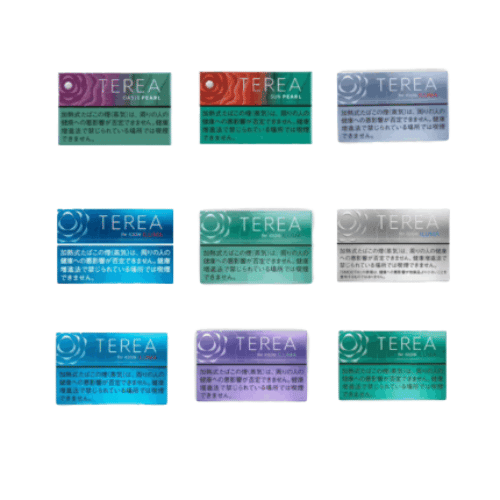
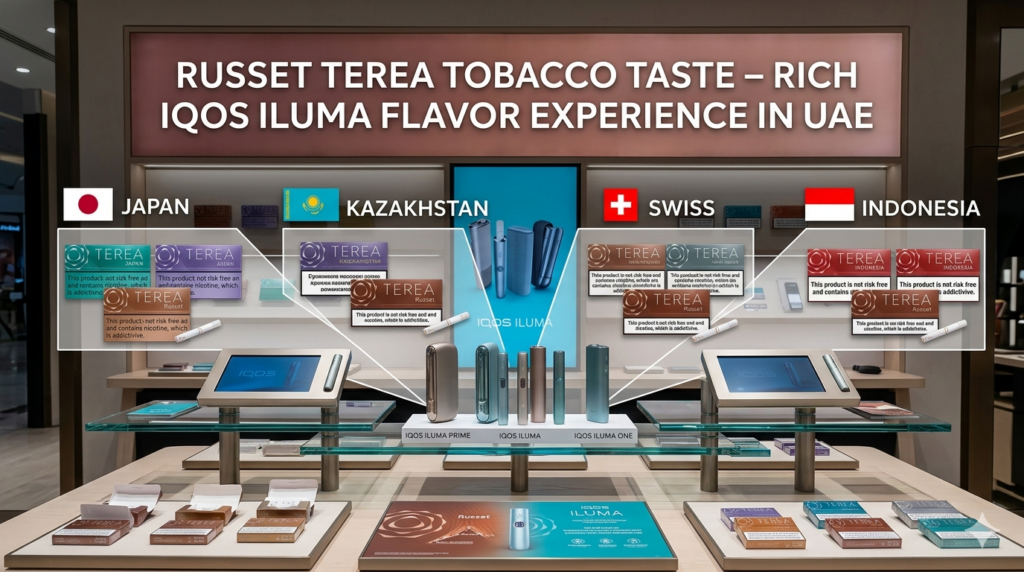
TEREA products are available in several regional collections, including:
Regardless of the regional collection, proper storage is important.
Keep tobacco sticks in their original packaging, away from excessive heat, moisture, and direct sunlight. Avoid crushing, opening, or modifying them.
Following the compatibility and storage instructions can help prevent avoidable device-use problems.
Common IQOS ILUMA Problems and What to Check
Even with proper care, electronic devices can occasionally experience charging or operating issues.
Before assuming your IQOS ILUMA is damaged, there are several basic checks you can perform.
IQOS ILUMA Is Not Charging
If your device is not charging, start by checking the charging cable and power adapter.
Inspect the USB-C port and, on two-piece models, the charging contacts between the holder and pocket charger.
If the battery is completely discharged, connect the device to a suitable power source and allow several minutes for its indicators to respond.
If charging problems continue, follow the manufacturer’s troubleshooting guidance.
IQOS ILUMA Is Not Heating
If your device does not start a heating session, check that the battery has sufficient charge and that the tobacco stick is compatible with your ILUMA model.
Make sure the stick has been inserted correctly and has not already been used.
If the device is extremely hot or cold, allow it to return to room temperature before trying again.
IQOS ILUMA Shows an Error or Does Not Respond
A device that displays unusual indicator lights or stops responding may require troubleshooting or a reset.
Reset instructions can vary by model, so refer to the official user guide before attempting a reset.
If the problem remains unresolved, contact an authorized support channel rather than opening or attempting to repair the device yourself.
Frequently Asked Questions About IQOS ILUMA Maintenance
Does the IQOS ILUMA need regular cleaning?
IQOS ILUMA devices do not require the regular internal cleaning associated with older blade-based models. However, keeping charging contacts, USB ports, and external surfaces free from dust is still recommended.
Can extreme heat damage my IQOS ILUMA?
Yes. Prolonged exposure to high temperatures may affect battery performance and electronic components. Avoid leaving your device in direct sunlight or inside a hot parked vehicle.
Can I clean my IQOS ILUMA with water?
Do not use water to clean the charging contacts or internal components. Use a soft, dry cloth for accessible charging contacts and follow the manufacturer’s cleaning instructions.
Why is my IQOS ILUMA not charging properly?
Possible causes include a depleted battery, dirty charging contacts, damaged accessories, or temperatures outside the device’s operating range. Check these factors before seeking further support.
Can I use HEETS with IQOS ILUMA?
No. HEETS sticks are designed for earlier IQOS models and are not compatible with the IQOS ILUMA heating system.
How can I make my IQOS ILUMA last longer?
Protect the device from extreme temperatures, use suitable charging accessories, keep its charging contacts clean, avoid physical damage, and follow the manufacturer’s operating and storage instructions.
Final Thoughts: Keeping Your IQOS ILUMA in Good Condition
Maintaining your IQOS ILUMA does not require complicated cleaning routines or specialist tools. Its bladeless induction heating technology removes much of the regular internal cleaning associated with earlier IQOS generations.
However, proper handling still matters.
Protecting the device from excessive heat, keeping charging contacts free from dust, using the recommended charging accessories, and storing it correctly can help reduce unnecessary wear and prevent avoidable operating problems.
For IQOS ILUMA owners in Dubai and across the UAE, temperature protection deserves particular attention because of the region’s hot climate.
A few simple maintenance habits can go a long way toward keeping your device in reliable working condition over time.
Note: IQOS and TEREA are tobacco-related products that contain nicotine, which is addictive. Heated tobacco products are not risk-free. Follow the manufacturer’s safety guidance and applicable local regulations.